Modern engines are calibrated to be efficient, even in performance-oriented trucks like the F-150 Raptor. The 3.5L High Output EcoBoost in the 13th Gen F-150 Raptor hides untapped power because of this factory calibration. The ChipWerke piggyback tuner intercepts several engine sensors and recalibrates them with an engine-specific map to unlock this hidden power. ChipWerke’s Stage 1 tune delivers up to 80 HP, and Stage 2 up to 100 HP over the stock 450 HP figure. The module installs in minutes with OEM plugs, leaves no flags on the ECU, does not cause CEL, or activate limp mode. ChipWerke is an untraceable and safe alternative to a permanent ECU reflash.

WHY CHOOSE CHIPWERKE PIGGYBACK MODULE

Significant Increase in Power

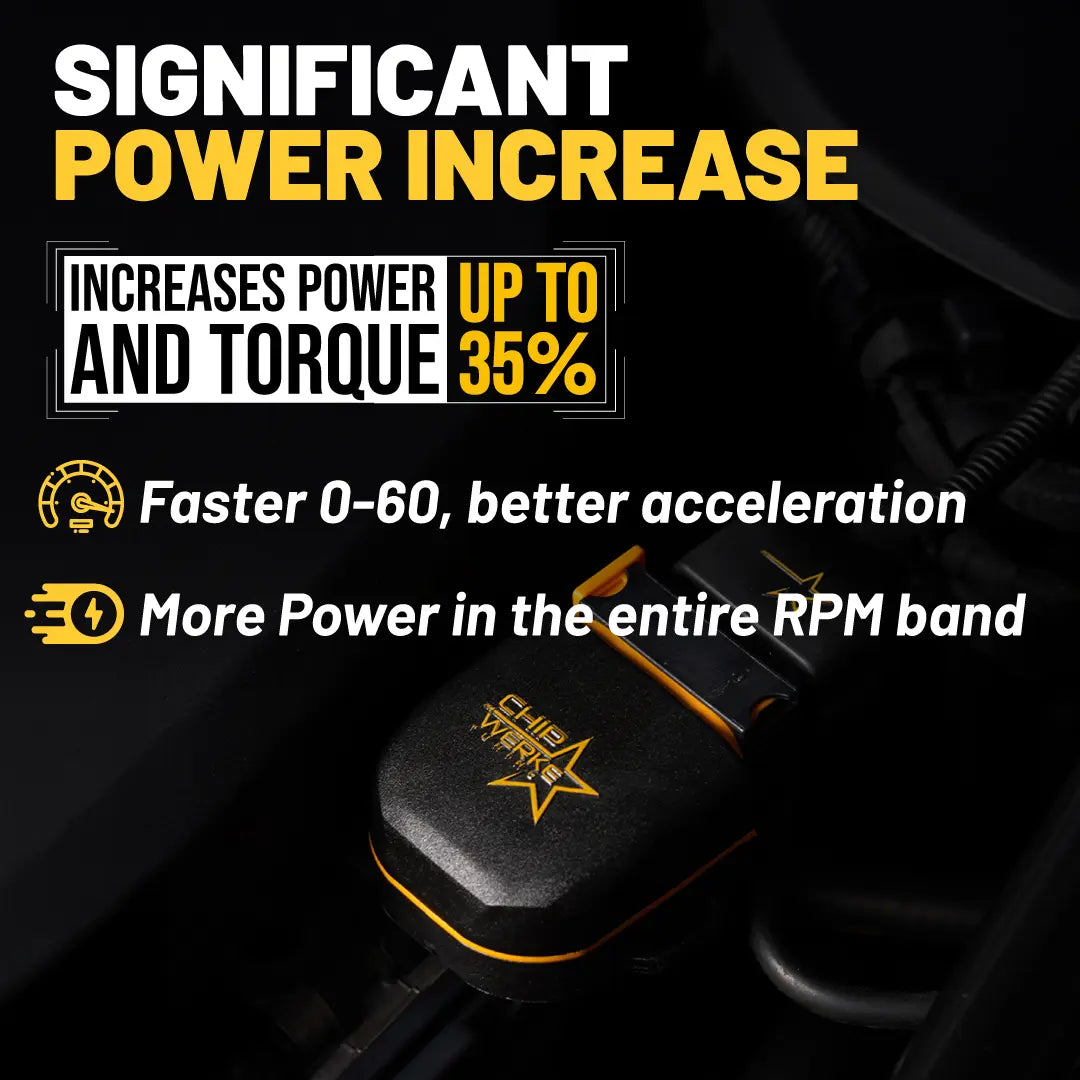
ChipWerke’s Stage 1 tune increases the 3-liter EcoBoost’s peak HP by up to 80 HP. You get more linear power delivery throughout the whole rev range, improved 0-60, and better rolling acceleration.

Stage 2 Software for up to 100 HP

Contact us for a custom Stage 2 tune to use with other bolt-on performance upgrades such as intake, exhaust, intercooler, etc.

Completely Untraceable

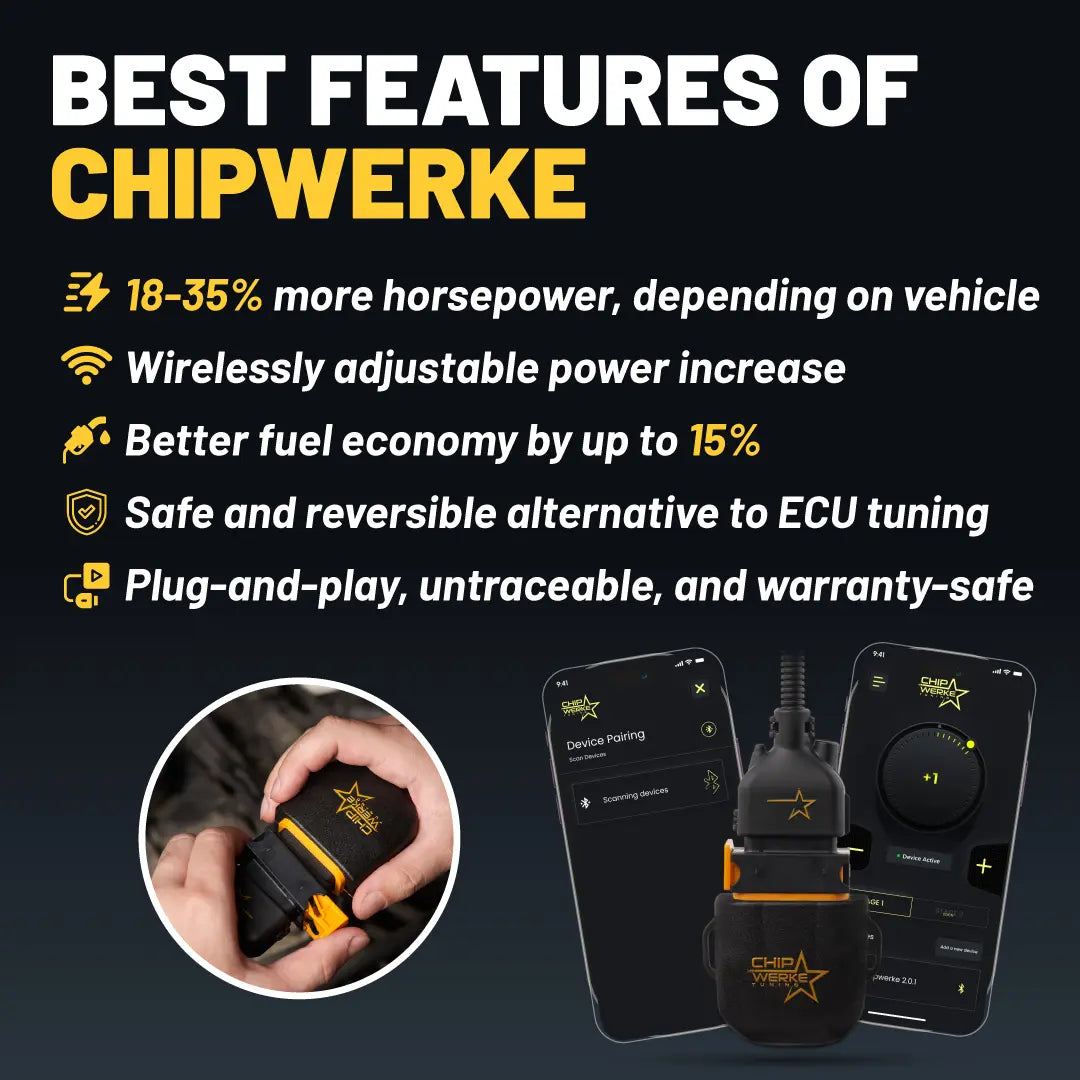
ChipWerke works alongside the factory ECU and does not change any settings permanently. It leaves no traces or diagnostic codes, maintaining your warranty intact.

Wirelessly Adjust Your Tune

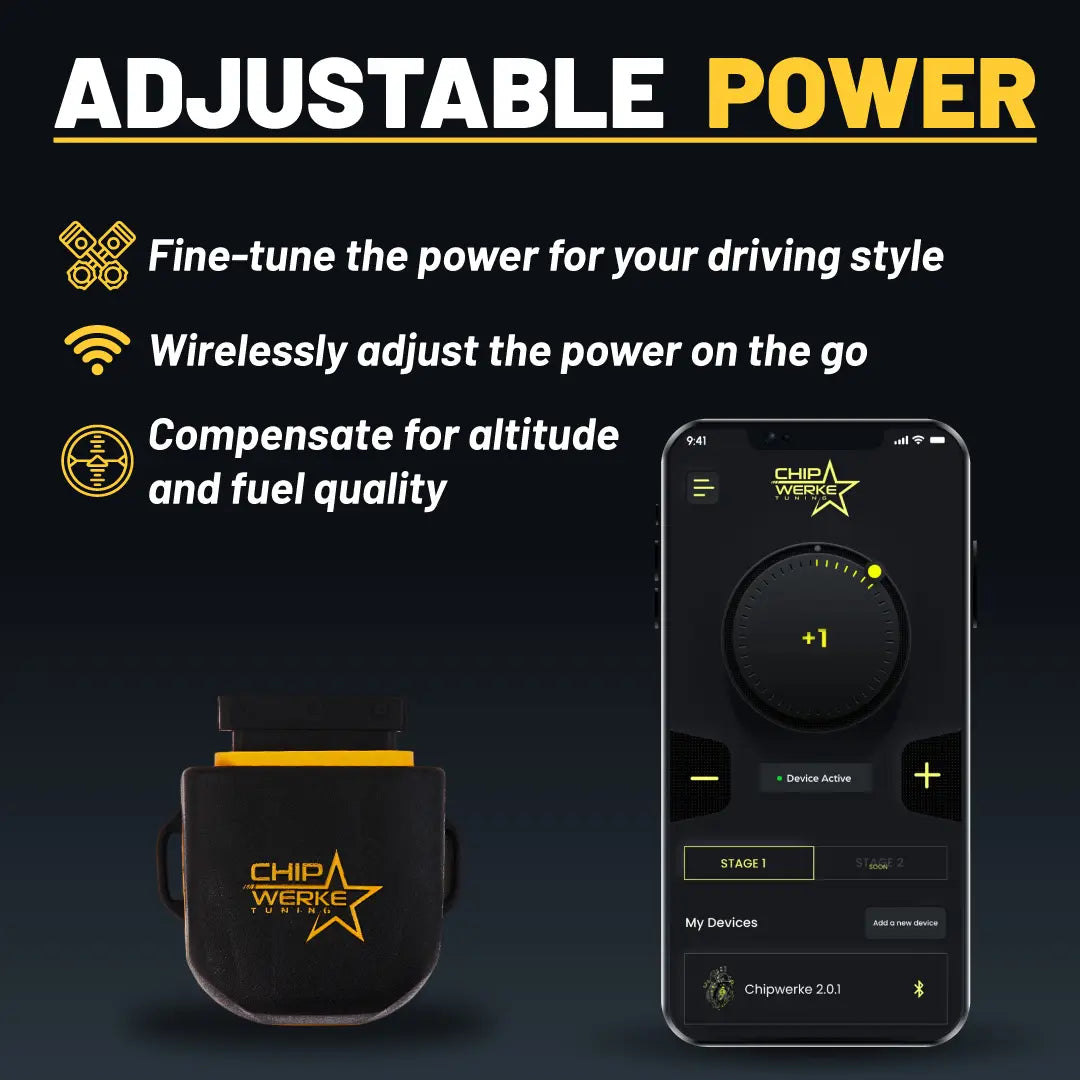
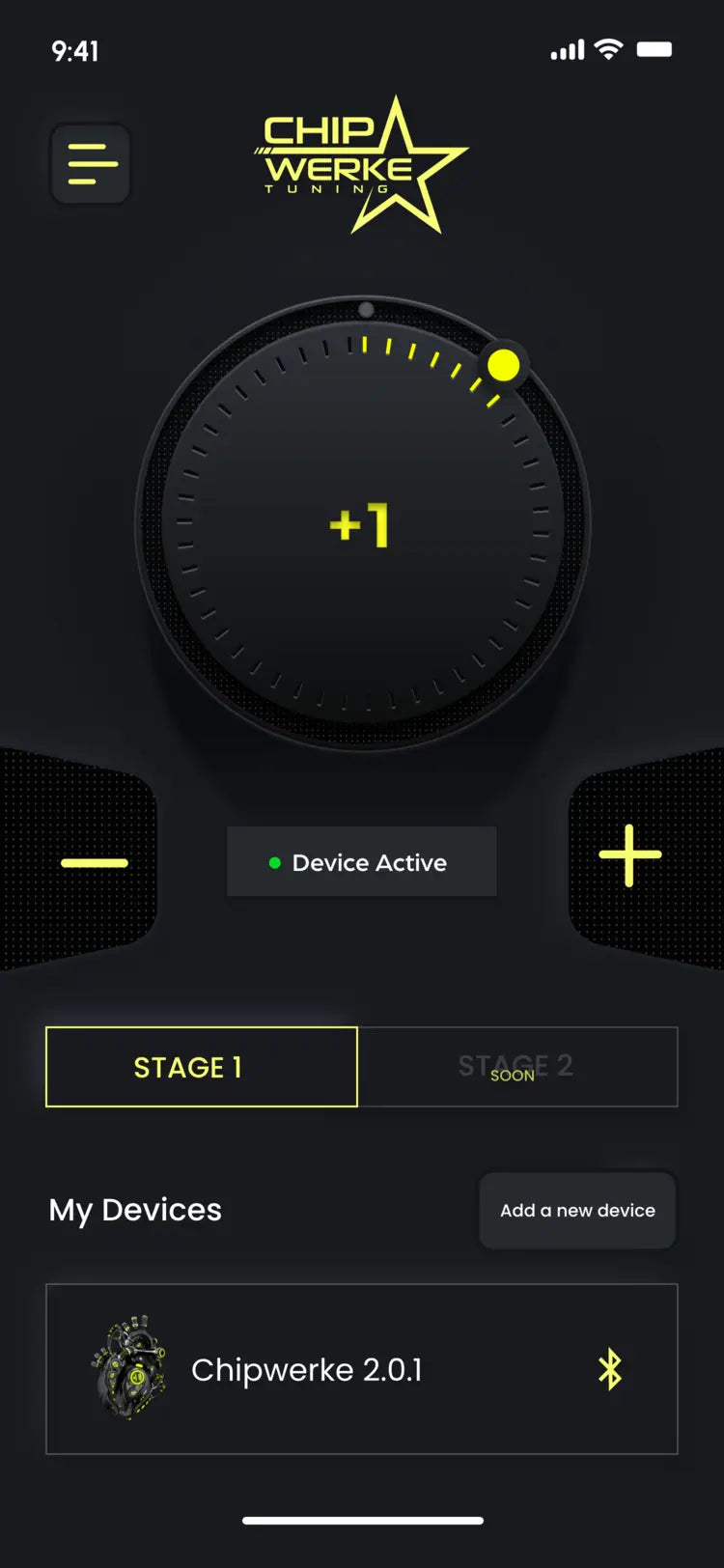
Fine-tune the performance with seven preset levels and optimize the power increase on the fly through the free mobile app. 

Better Fuel Economy

Improves low-end torque so the engine maintains speed with less effort, resulting in up to 15% better fuel economy.  

Plug-and-Play Installation

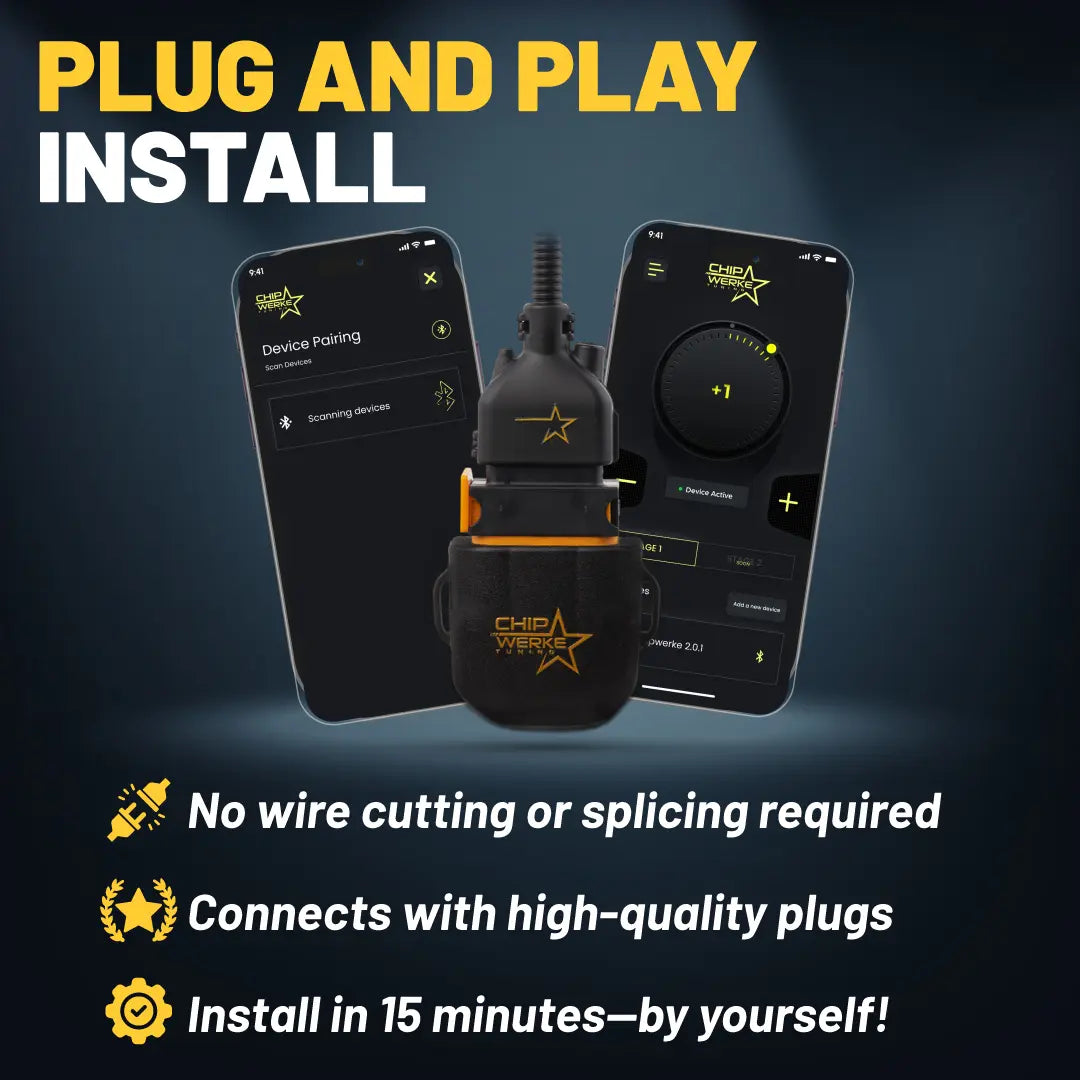
Simple DIY installation in under 15 minutes. It requires no special tools, wire cutting or splicing, or permanent modifications. 

Does Not Overwrite Stock ECU

Factory ECU remains unaltered, meaning you get a hassle-free performance upgrade while OEM safety measures continue to function as normal.

Extensive Customer Support

ChipWerke comes with two years of manufacturer’s warranty and extensive USA-based after-sales support for total peace of mind.

HOW DOES CHIPWERKE PIGGYBACK MODULE WORK

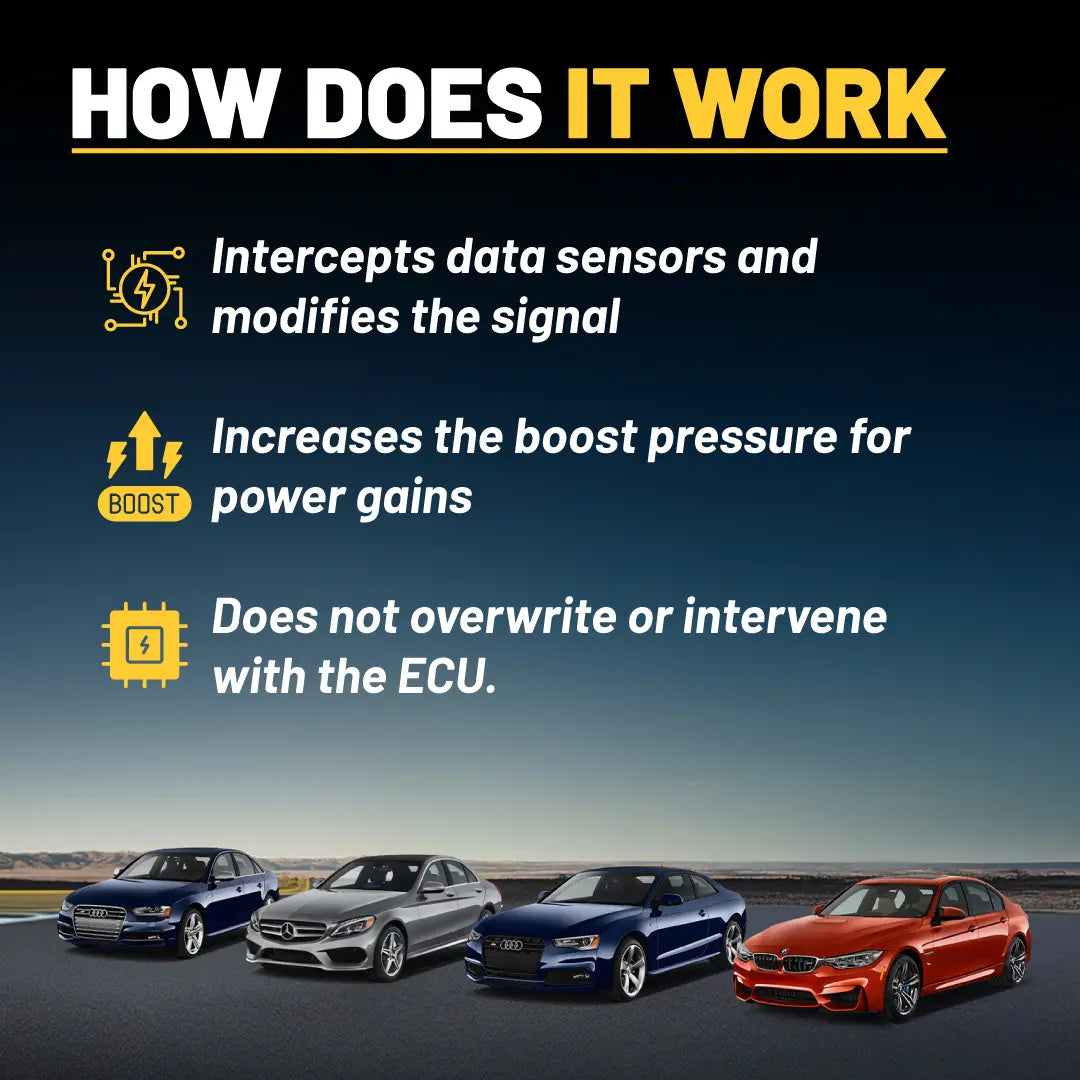
A safe and reversible alternative to ECU reflashing, the ChipWerke piggyback module intercepts the signal from several sensors of your 3.5-liter EcoBoost High Output engine. It recalibrates the sensors to increase turbo boost pressure, significantly increasing horsepower and torque. You can adjust the boost levels with ChipWerke’s mobile app with seven preset levels (-3 to +3) to compensate for fuel quality or altitude.

The unit simply plugs in with high-quality OEM connectors; no cutting, wire splicing, or drilling is required. It does not permanently change any settings, leave footprints, or overwrite the original software. It is completely untraceable when removed for dealership work. ChipWerke does not cause any Check Engine Lights or limp modes.

EASY PLUG-AND-PLAY INSTALL

The module connects inline to several sensors of the EcoBoost powerplant using OEM-quality plugs. It does not cause any permanent changes, and installation requires no wire cutting or splicing. The guide included in the package shows specific installation instructions for your vehicle.

The basic things to consider in all applications are as follows:

  • Turn off the engine and wait for it to cool down. Leave the driver’s door open for 15 minutes while keeping the keyfob at least 35 feet away from the car to ensure the ECU shuts down completely.
  • Locate where you want to mount the module. Make sure that it is away from the areas that tend to heat up relatively more.
  • Make sure the ChipWerke harness is not overly stretched and is protected against water.
  • Make sure that plugs are securely connected in place and that there are no unused plugs left.

CONTROL BY MOBILE APP

You can download and install ChipWerke’s free mobile app from Apple AppStore and Google Play Store. After pairing your unit via Bluetooth, you can control the ChipWerke wirelessly and make adjustments on the go. The app's easy-to-use interface lets you wirelessly fine-tune the boost pressure with ChipWerke’s different levels (-3 to +3), add multiple units and control them from under one roof, check and download software updates, and reach out to us for live support.

Power Adjustment

Power Adjustment

Software Update Check

Software Update Check

Download Software Updates

Download Software Updates

Bluetooth Pairing

Bluetooth Pairing

My Car Menu

My Car Menu

Live Support

Live Support

Power Adjustment

Easily adjust power delivery from -3 to +3.

Software Update Check

Check for the latest software updates
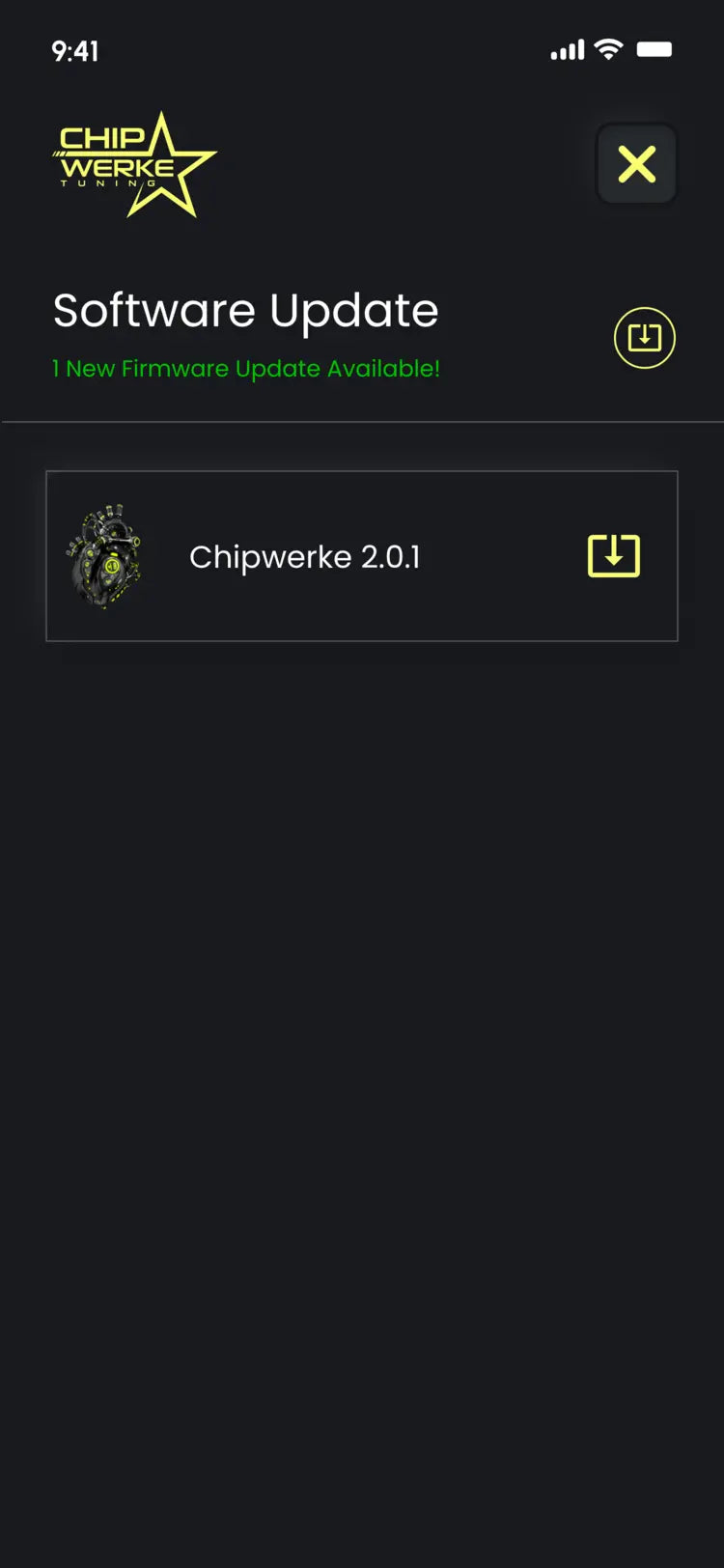
Download Software Updates

Download and install the latest updates.
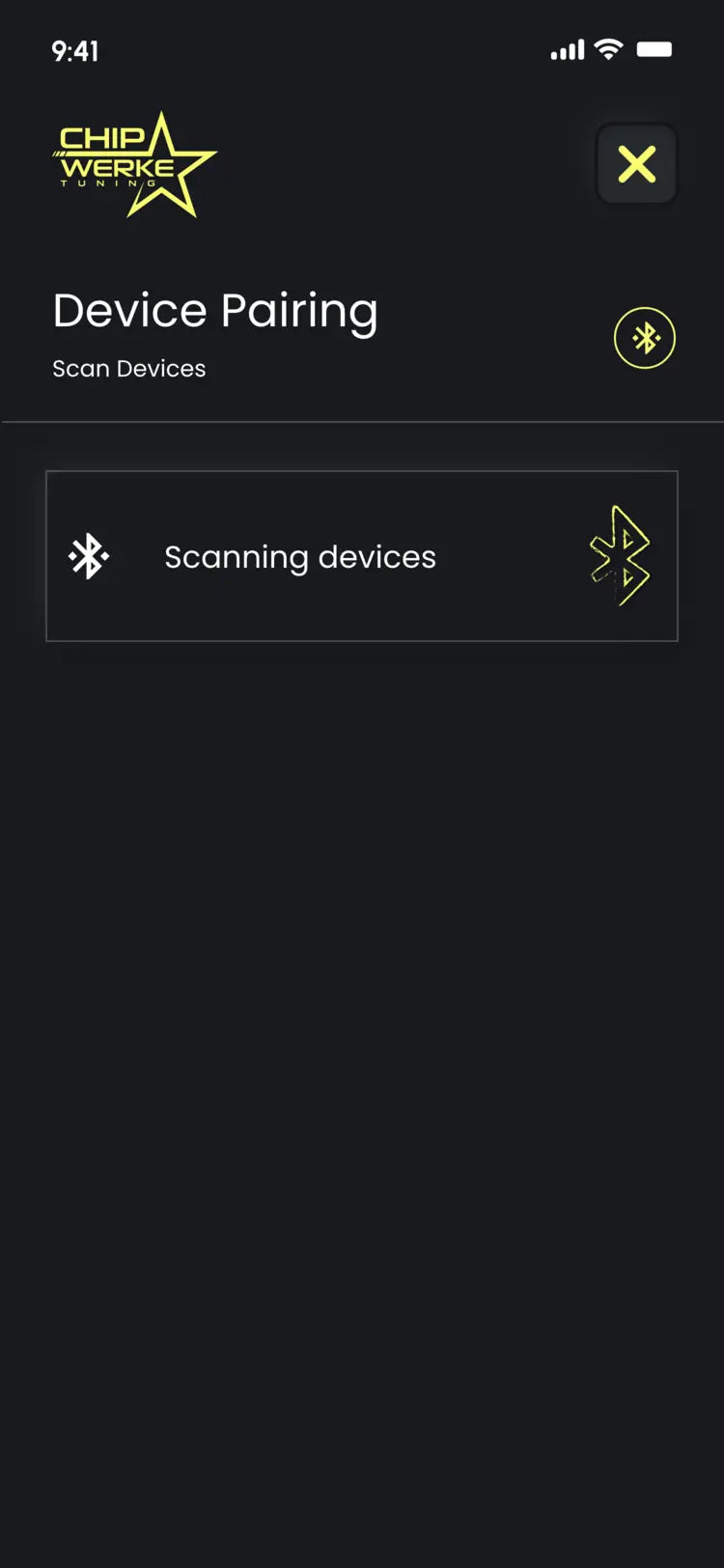
Bluetooth Pairing

Pair multiple ChipWerke units.

My Car Menu

Switch between and control your multiple ChipWerke devices under one roof.
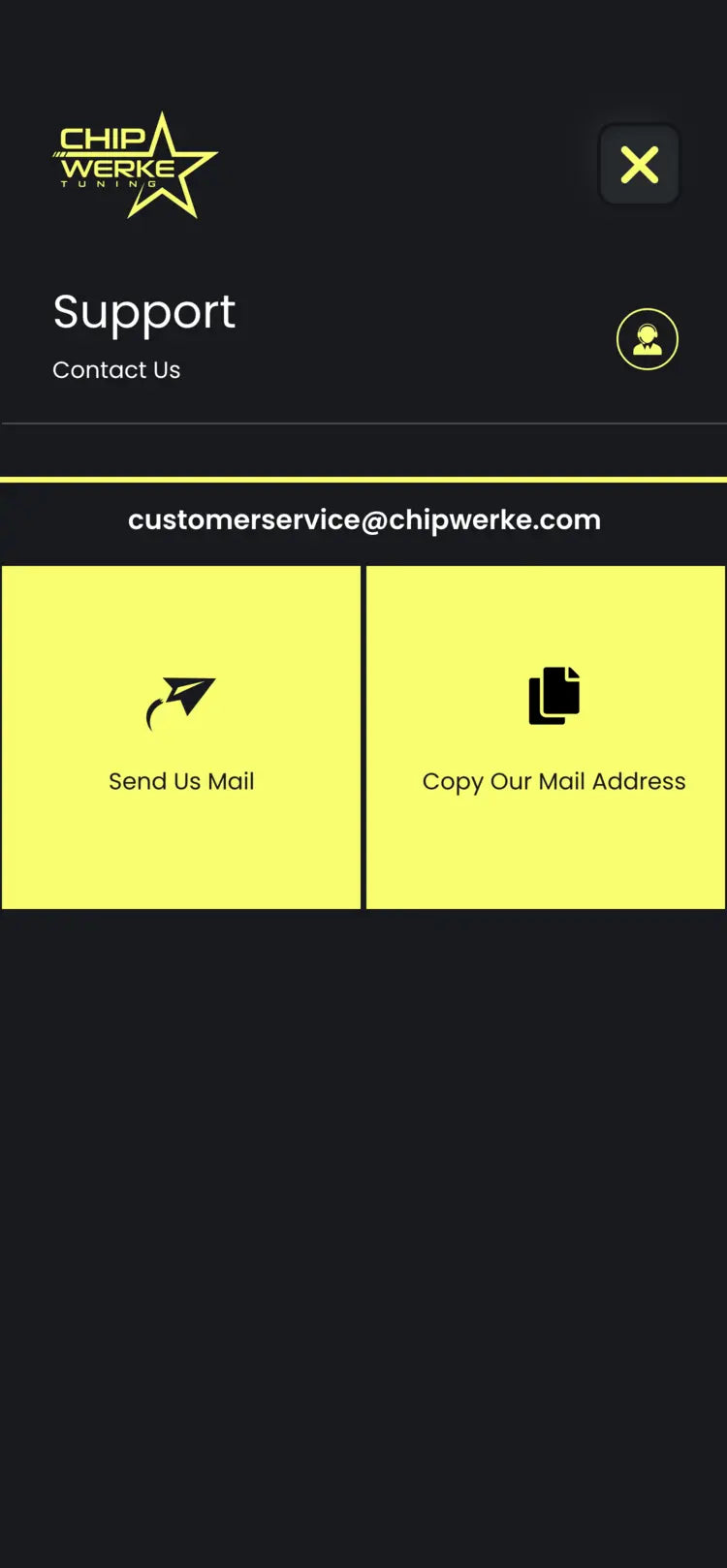
Live Support

Reach out to us for help or troubleshooting within the app.