


Head over to Apple AppStore or Google Play Store and download the free ChipWerke mobile app, so you can control the unit wirelessly after pairing it via Bluetooth. The ChipWerke app lets you fine-tune the boost pressure (-3 to +3 different levels), add multiple units and control them from under one roof, check and download software updates, and reach out to us for live support.

Level Adjustment

Software Update Check

Download Software Updates

Bluetooth Pairing

My Car Menu

Live Support
Download Links ➔


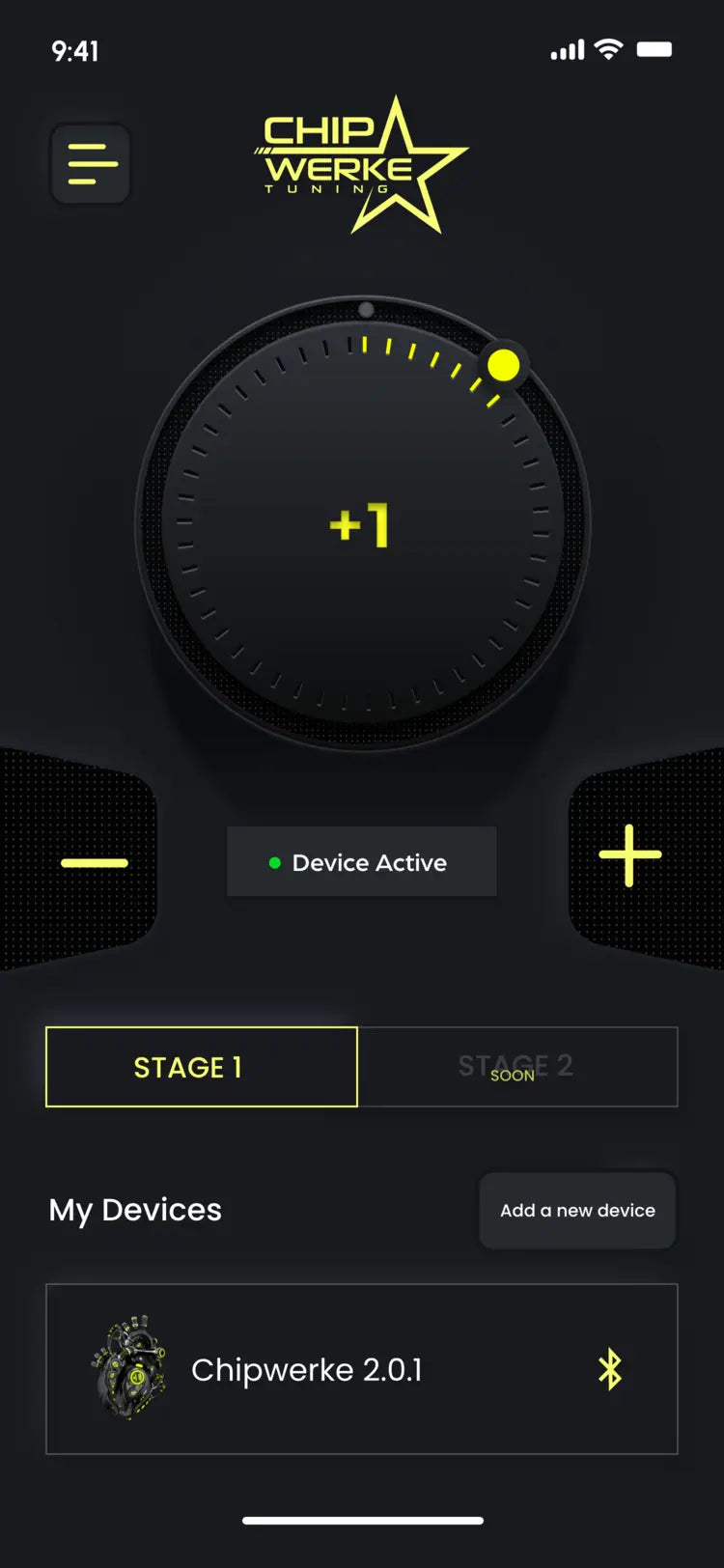
Level Adjustment
Easily adjust power delivery from -3 to +3.

Software Update Check
Check for the latest software updates
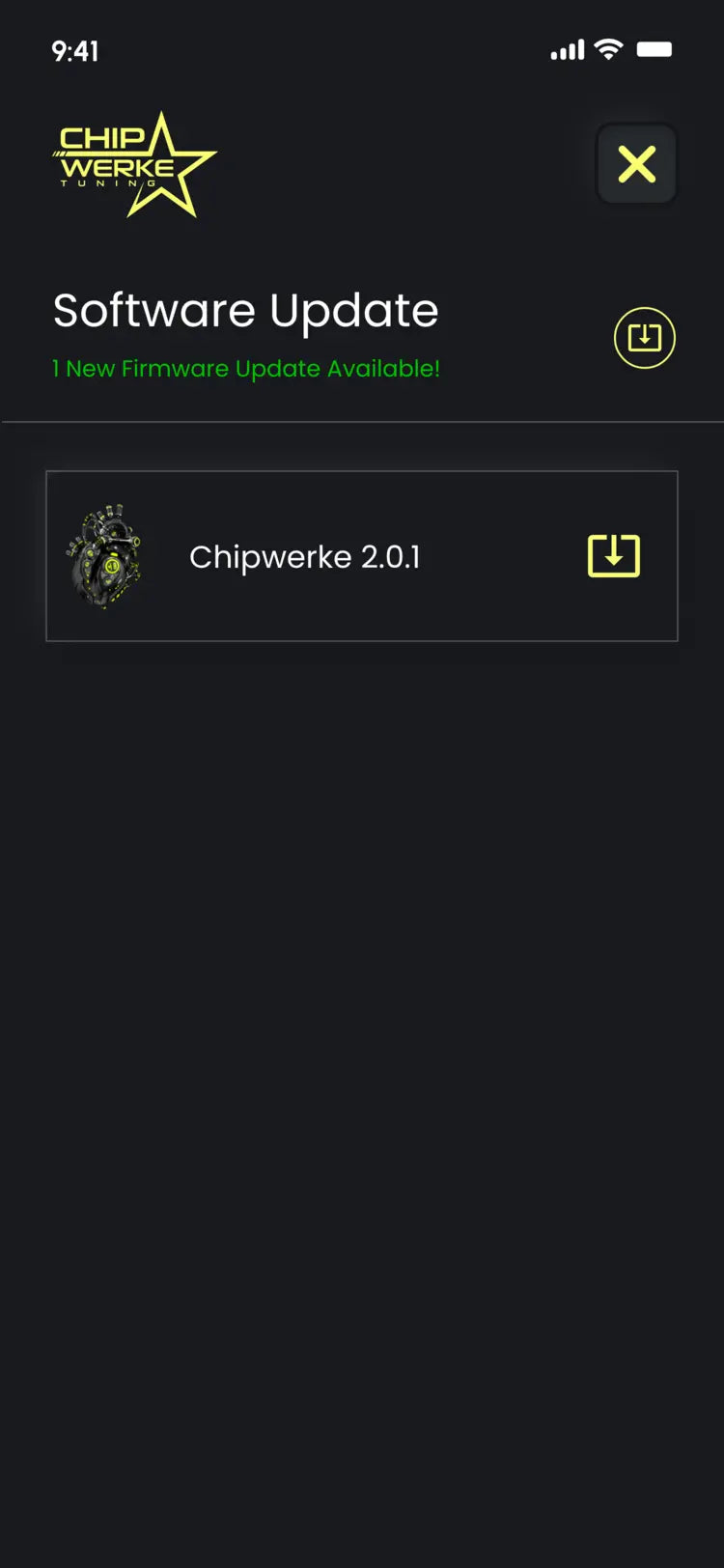
Download Software Updates
Download and install the latest updates.
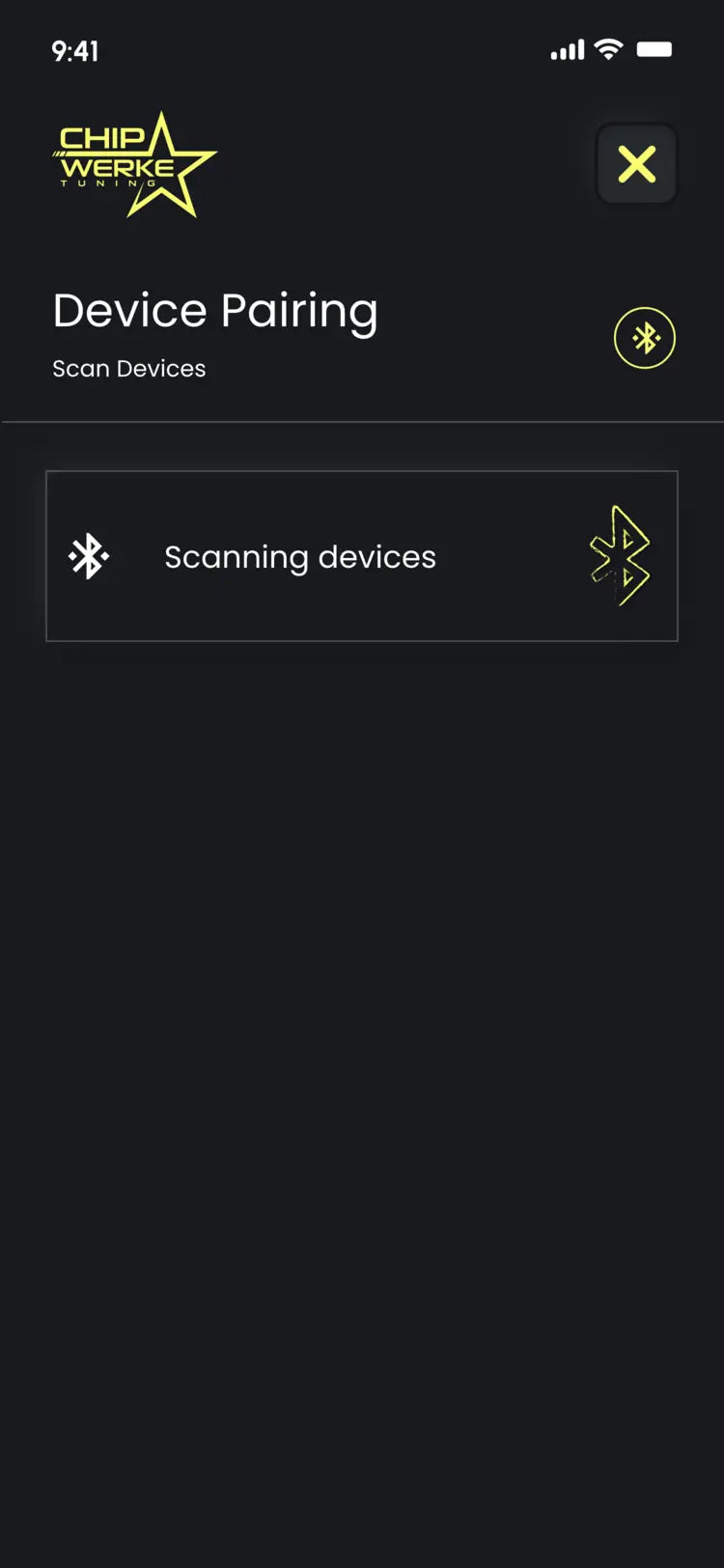
Bluetooth Pairing
Pair multiple ChipWerke units.
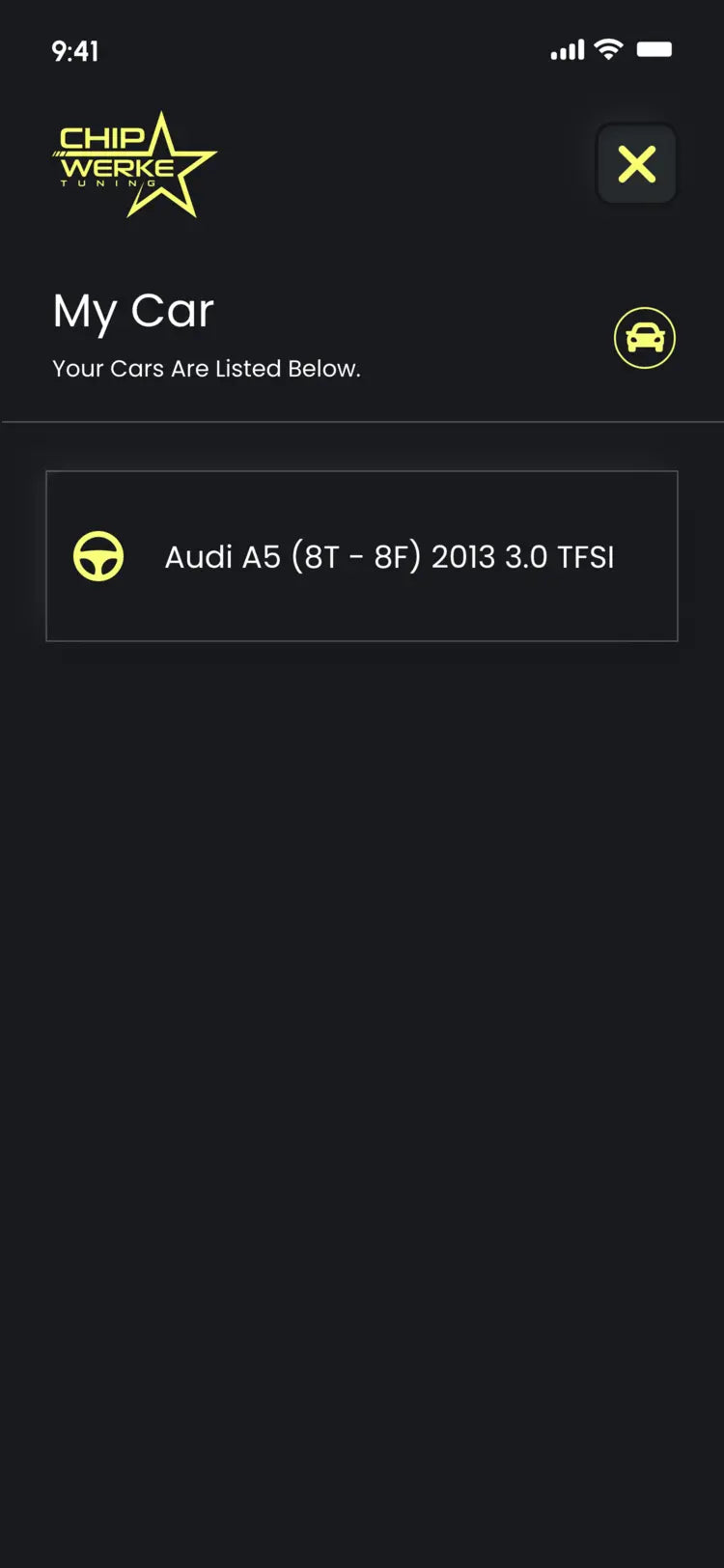
My Car Menu
Switch between and control your multiple ChipWerke devices under one roof.
Live Support
Reach out to us for help or troubleshooting within the app.
The ChipWerke piggyback tuning module connects to your engine’s data sensors (more info can be found in the installation guide included in the box). It uses OEM-quality plugs, so no wire splicing, cutting, drilling, or permanent modifications are required.
The basic installation steps are the same for every ChipWerke compatible vehicle.
Turn Engine Off & Wait for ECU Shut Down
Turn off the engine and wait for it to cool down. Leave the driver’s door open for 15 minutes while keeping the keyfob at least 35 feet away from the car to ensure the ECU shuts down completely.
Find a Mounting Location
Locate where you want to mount the module. Make sure that it is away from the areas that tend to heat up relatively more.
Plug In the Connectors
Connect the ChipWerke plugs to the corresponding engine data sensors. Refer to the installation guide in the ChipWerke box.
Harness Protection
Make sure the ChipWerke harness is not overly stretched and is protected against water.
Secure the Connectors
Make sure that plugs are securely connected in place and that there are no unused plugs left.
Enjoy the Ride!
You have successfully upgraded your ride! Now fiddle with ChipWerke’s different levels through the mobile app and find the perfect power boost for your driving!